Logging In
ExpressLink tries to automatically log you in when you open the application. If that fails, you will be greeted by the ExpressLink icon and a Log In button:
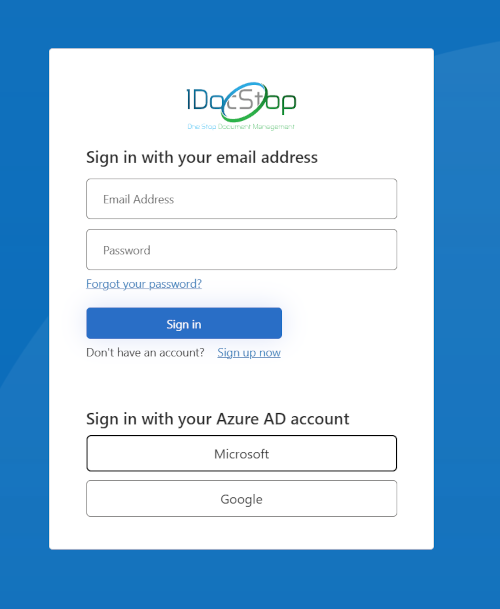
After clicking on the Log In button, you will be greeted with a log in screen that looks very familiar to you if you use 1DocStop. Log into ExpressLink the same way you log into 1DocStop.
No Solutions Error
You need to be assigned to one or more Solutions in 1DocStop to use ExpressLink. If you are not assigned to solutions, you will see the following alert in ExpressLink after logging in:

Contact your administrator to add you to a 1DocStop solution, or contact SyTech if you need additional help.